Is Your Phone an Asset or a Liability?
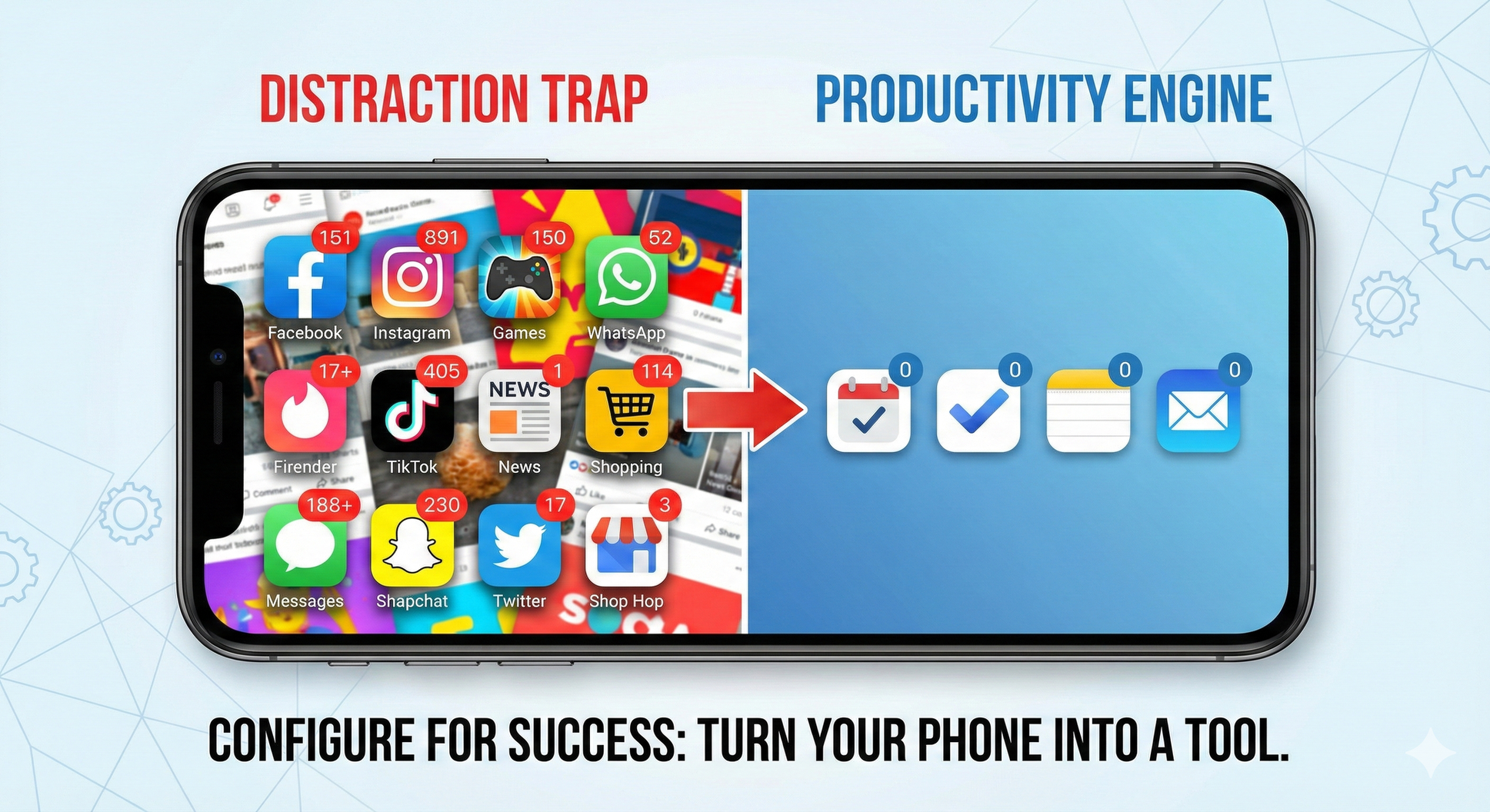
Setting Your Mobile Device Up for Success
We all know the scenario: You’re in the middle of a deep work session when a thought strikes you and you need to send a quick email to a vendor. You unlock your phone. Twenty minutes later, you snap out of a trance, realizing you’ve just scrolled through LinkedIn, checked the weather, and replied to a WhatsApp message, but completely forgot to send the vendor email.
For business operators, our phones are arguably our most powerful pieces of hardware. They contain our calendars, our communication lines, and our project management tools. But they are also designed by some of the smartest engineers in the world to capture and hold our attention for as long as possible.
The difference between a phone that amplifies your productivity and one that destroys your focus isn’t willpower; it’s configuration.
If you want to run a tight ship, you need to configure your device to be a tool, not a toy. Here is the five-step protocol to setting your phone up for success.
1. Reframe the Relationship: Tool vs. Toy
The first step is a mental audit. Most people treat their phone as an entertainment center that occasionally makes phone calls. To get serious about operations, you must treat the device as a high-performance utility.
Start by looking at your data. Go into your Screen Time or Digital Wellbeing settings. Look at where your hours are going. If your top three used apps are social media or entertainment, your tool is currently configured as a toy. Acknowledge the data, and make the conscious decision that from 9:00 AM to 5:00 PM, this glass rectangle is strictly for business execution.
2. The "One-Screen" Rule
Visual clutter leads to mental clutter. When you unlock your phone, the first thing you see dictates your next action. If your home screen is a mix of email, Angry Birds, Instagram, and News, your brain has to filter through the noise every time you engage with the device.
Adopt the One-Screen Rule:
- Utility Only: The first page of your phone should contain only the apps you need to execute work. Calendar, Maps, Notes, Tasks, Password Vault, Authenticator, and Phone.
- Banish the Rest: Move everything else, YES I SAID EVERYTHING! Move all social media, shopping, games, and news to the second or third page, or hide them in folders.
- The Result: When you unlock your phone to work, you see work tools. To get to the distractions, you have to physically swipe and search, adding a layer of "friction" that gives your brain a second chance to reconsider.
3. Master Your Notifications (The VIP Policy)
Your phone should not ring for everyone. By default, most apps have permission to buzz your wrist or light up your screen whenever they want something. This puts you in a reactive state, constantly putting out fires instead of doing deep work.
Implement a VIP-Only Policy:
- Human vs. Machine: Turn off all notifications for apps that are not direct human communications. News alerts, "special offer" emails, and game reminders get silenced.
- Async by Default: Even for work apps like Slack or Email, consider turning off banners. Check these apps on your schedule (e.g., once an hour), not whenever a message lands.
- The Inner Circle: Allow audible notifications only for calls or texts from key stakeholders: your biggest clients, your immediate family, or your core ops team.
4. Leverage Focus Modes
Your phone shouldn't behave the same way at 10:00 AM on a Tuesday as it does at 8:00 PM on a Saturday. Your context changes, and your device should adapt.
Both iOS and Android now offer robust "Focus Mode" features. Set these up to automate your boundaries:
- Work Mode (9 AM - 5 PM): Blocks all social media apps, silences non-urgent calls, and changes your background to a solid color to reduce visual stimulation.
- Personal Mode (Evenings): Re-enables your personal apps but perhaps silences work emails to prevent burnout.
Let the software do the heavy lifting so you don’t have to rely on willpower.
5. Prioritize Input Over Output
Friction kills ideas. As an operator, you are constantly spotting inefficiencies or remembering tasks. If it takes you five clicks and ten seconds to open your to-do list, you might lose the thought before you capture it.
Turn your phone into an Input Device:
- Widgets: Use the "Today View" or home screen widgets to place a large "Add Task" or "Voice Memo" button front and center.
- Capture Speed: Ensure that capturing a thought takes less than two seconds. The goal is to get the idea out of your brain and into your trusted system immediately, so you can return to what you were doing.
The Bottom Line
You wouldn't run your business operations with sloppy, undefined processes. Don't run your digital life that way, either. By configuring your phone with intention, you turn a potential weapon of mass distraction into your greatest productivity asset.